Best Free Video Editing Tools for Short Clips and Reels

Short videos are the fastest way to share a trip, a recipe, or a small business update, and you do not need expensive software to make them look good. Free editing tools now handle trimming, captions, music, and smooth transitions. The trick is choosing a tool that matches how you work, whether you edit on a phone between errands or at a desk with a bigger screen.
Before picking an app, think about what you actually need. If you mostly cut clips together and add text, a simple mobile editor is enough. If you want layered audio, colour tweaks, or precise cuts, a desktop editor gives you more control. Also check how the tool exports video: some free versions add a watermark or limit resolution, which matters if you plan to post in high quality.
Easy Mobile Editors for Quick Reels
Mobile editors shine when speed matters. CapCut is a popular choice for short clips, with templates, automatic captions, trendy effects, and music that suit reels and short-form posts. VN Video Editor is another strong free option, offering a multi-track timeline, filters, and keyframe animation without a watermark on most exports. InShot is handy for quick trims, stickers, and vertical formats, though some features sit behind a paid upgrade.
The main limit of mobile editing is screen size and precision. Long projects with many layers can feel cramped, and fine audio adjustments are harder on a small display. That is fine for a thirty-second reel, but longer videos deserve a desktop tool. Either way, keep your raw clips safe before you start cutting, and if you have not done it lately, learn how to back up your photos and files in 20 minutes so a lost phone never takes your footage with it.
Desktop Editors for More Control
For desktop editing, DaVinci Resolve offers a generous free version with professional colour tools, audio mixing, and effects, although it takes time to learn and needs a reasonably capable computer. Shotcut is a simpler open-source alternative that handles common formats, filters, and transitions without a watermark. Clipchamp, built into Windows, is a friendly middle ground with templates and a stock media library, and it works well for beginners who want a tidy result quickly.
Whichever tool you choose, build a simple workflow: import and trim first, add captions and music second, then export a test clip and watch it on your phone before posting. If you are juggling filming, editing, and posting, compare the best to-do list apps for busy days to keep each project on track. Start with one tool, finish one short video, and let that small win guide your next edit.
video editingfree toolsreelsshort videoCapCutDaVinci Resolvecontent creationmobile appsvideo tipssocial media video
Related Articles

Best To-Do List Apps for Busy Days Compared
A good to-do app turns a chaotic day into a clear plan. We compare the best free options for tasks, reminders, and staying on top of busy days.
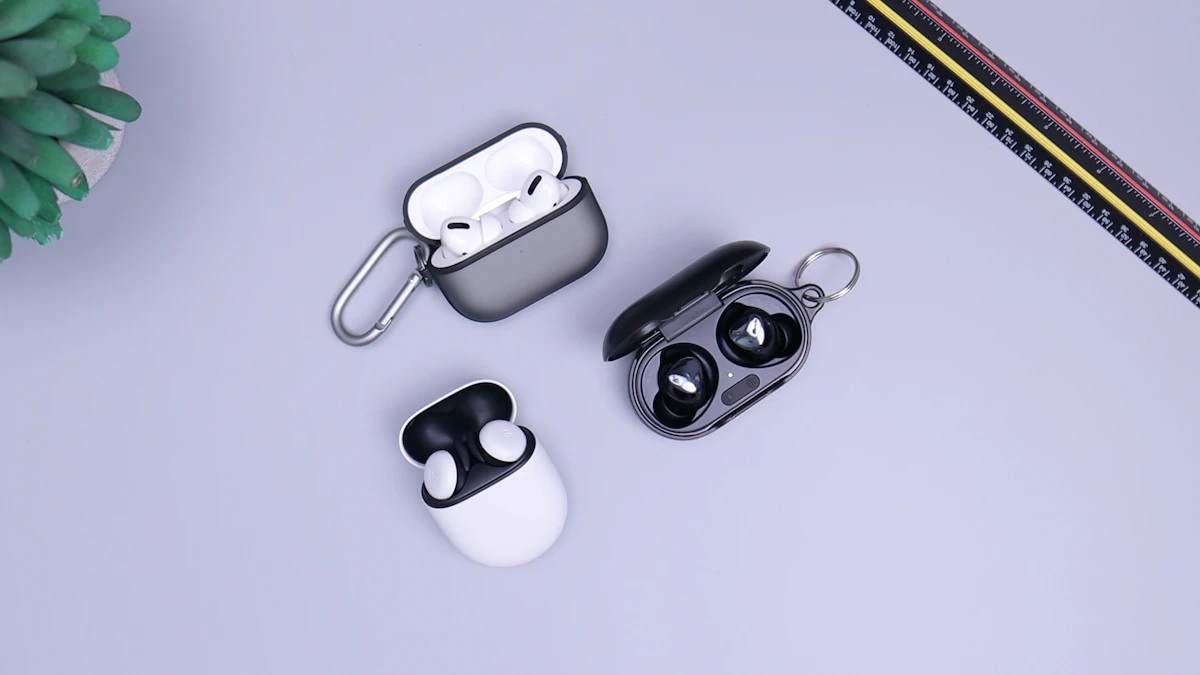
Wireless Earbuds in 2026: Sound, Battery, and Comfort
Wireless earbuds keep getting smaller, smarter, and longer-lasting. This guide explains sound, battery life, fit, and features worth paying for in 2026.

Voice Search in 2026: How People Search Without Typing
Voice search is now part of daily life. Learn how people ask questions aloud, what makes a spoken query different, and how to get useful answers fast.