How to Back Up Your Photos and Files in 20 Minutes

Most of us only think about backups after something goes wrong. A phone slips into water, a laptop refuses to start, or a hard drive starts clicking, and suddenly years of photos and documents feel lost. The good news is that a basic backup needs no special skills or a whole afternoon. With a simple plan, you can protect the files that matter most in about twenty minutes.
Before you start, gather what you need. Connect your phone to the same Wi-Fi as your computer, or plug it in, and have an external drive or a second location ready for copies. Decide which folders matter most: your photo library, important documents, and anything you would struggle to replace. Skip temporary files and downloads for now, and focus on the irreplaceable first.
Follow a Simple Three-Copy Routine
A practical rule is to keep three copies of anything important, on two kinds of storage, with one copy kept somewhere else. In practice that is simple: copy your photos to your computer, then copy them again to an external drive. If you already store photos in an online account, that can serve as the off-site copy. The point is that no single accident, like a stolen bag or a failed drive, should take everything at once.
Start with your phone, because that is where most photos live. Select the photos and videos from recent months and copy them to a folder on your computer named with today's date, then copy that folder to your external drive. While the files transfer, gather your documents into one folder so the next backup is faster. Delete blurry duplicates and old screenshots too, which frees space and makes future copies quicker.
Check Your Backup and Repeat It Monthly
A backup you never check is only a hope, not a plan. Once copying finishes, open a few photos and one or two documents from the backup copy to confirm they open correctly. Check that the newest photos are included and the file sizes look right. If something is missing, copy it now while the original is still in front of you
Set a monthly reminder to repeat this routine, and it will take even less time next month because you will only copy what is new. Keep your backup drive in a labelled spot near your desk so the habit sticks, especially if you are setting up a second monitor to boost your workspace. Once your photos are safe, you can explore free video editing tools for short clips and reels without worrying about losing the original footage. Twenty minutes today can save years of memories tomorrow.
backupphotosfilesdata protectionexternal drivephone backupcomputer tipsfile organisationdigital safetyhow to guide
Related Articles

How to Set Up a Second Monitor and Boost Your Workspace
A second monitor gives you room to compare, write, and research side by side. Follow these simple steps to choose, connect, and arrange yours.
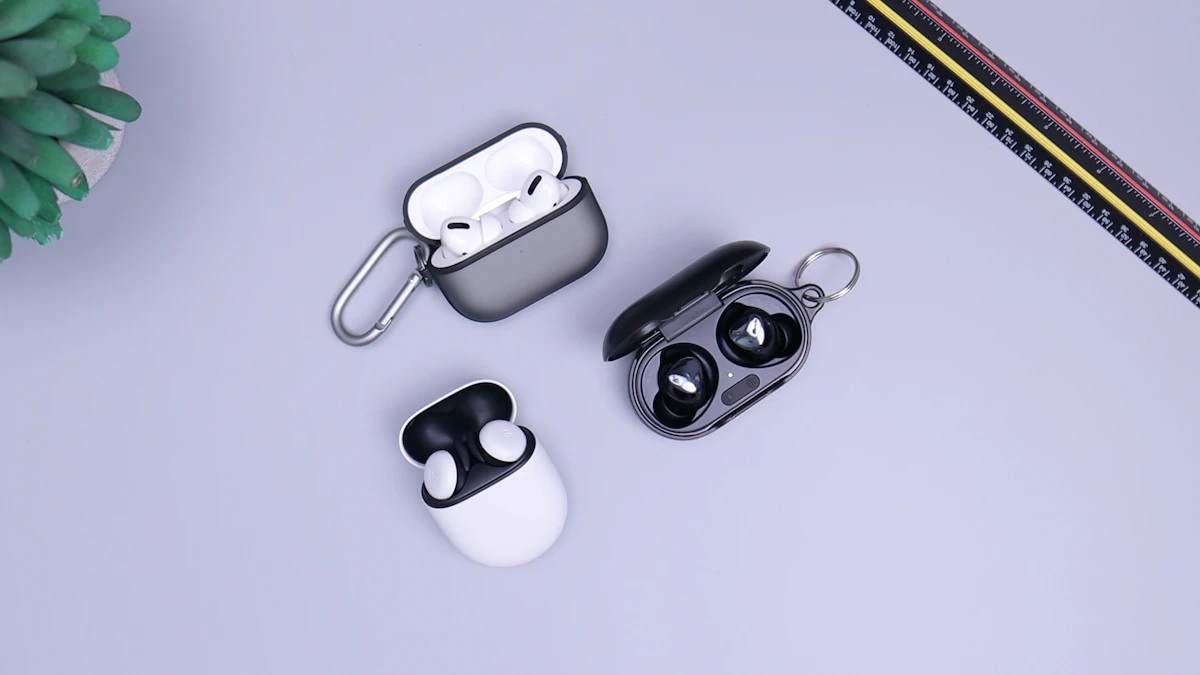
Wireless Earbuds in 2026: Sound, Battery, and Comfort
Wireless earbuds keep getting smaller, smarter, and longer-lasting. This guide explains sound, battery life, fit, and features worth paying for in 2026.

Voice Search in 2026: How People Search Without Typing
Voice search is now part of daily life. Learn how people ask questions aloud, what makes a spoken query different, and how to get useful answers fast.