How to Protect Your Privacy on Social Media in 10 Steps

Social media feels private because you are posting to friends, but every photo, check-in, and comment can travel further than you expect. Platforms collect details about your location, interests, and contacts, and friends can share your posts with people you have never met. Protecting your privacy does not mean deleting every account. It means deciding what you share, who can see it, and what stays offline, then checking those settings regularly.
Start by thinking about what a stranger could learn from your public profile. Your full name, birthday, hometown, workplace, and daily routine are often visible in a few clicks, and together they reveal more than any single post. A quick review of your profile as a stranger would see it is one of the most useful privacy checks you can do.
Check Your Settings and Audience
Open the privacy settings on each platform and work through them one at a time. Set your posts and photos to friends only rather than public, and limit who can tag you, send you friend requests, or see your friend list. Turn off location sharing for posts, and remove your precise location from your profile. Review the apps connected to your accounts and remove any you no longer use, because each one may still hold access to your data.
Be careful with what you post, not just who can see it. Avoid sharing boarding passes, tickets with barcodes, house keys, car plates, and documents, because small details in a photo can reveal a lot. Wait until you are home before posting holiday photos, and think twice before sharing a child's school, routine, or full name. A strong login helps here too, so learn how to create a strong password you can actually remember for each account you use.
Review Regularly and Stay in Control
Privacy is a habit, not a one-time fix. Set a reminder every few months to review your settings, your friend and follower lists, and the apps linked to your accounts. Remove contacts you do not recognise, and leave groups that no longer feel right. If a platform adds a new feature, check its default setting before trying it, because new features often start with the widest sharing option switched on.
Finally, remember that search engines can surface public posts too, so the same care applies beyond social apps. If you value privacy in one place, it is worth valuing it everywhere you search and browse, and a good place to start is our DuckDuckGo vs Google privacy-focused search comparison. Ten small steps, checked twice a year, give you real control over who sees your life online.
social media privacyprivacy settingsonline privacyFacebook privacyInstagram privacydata protectionpersonal datasocial media safetyprivacy tipsaccount settings
Related Articles

How to Create a Strong Password You Can Actually Remember
Strong passwords do not have to be impossible to remember. Learn a simple phrase method that makes long, unique passwords easy to recall.
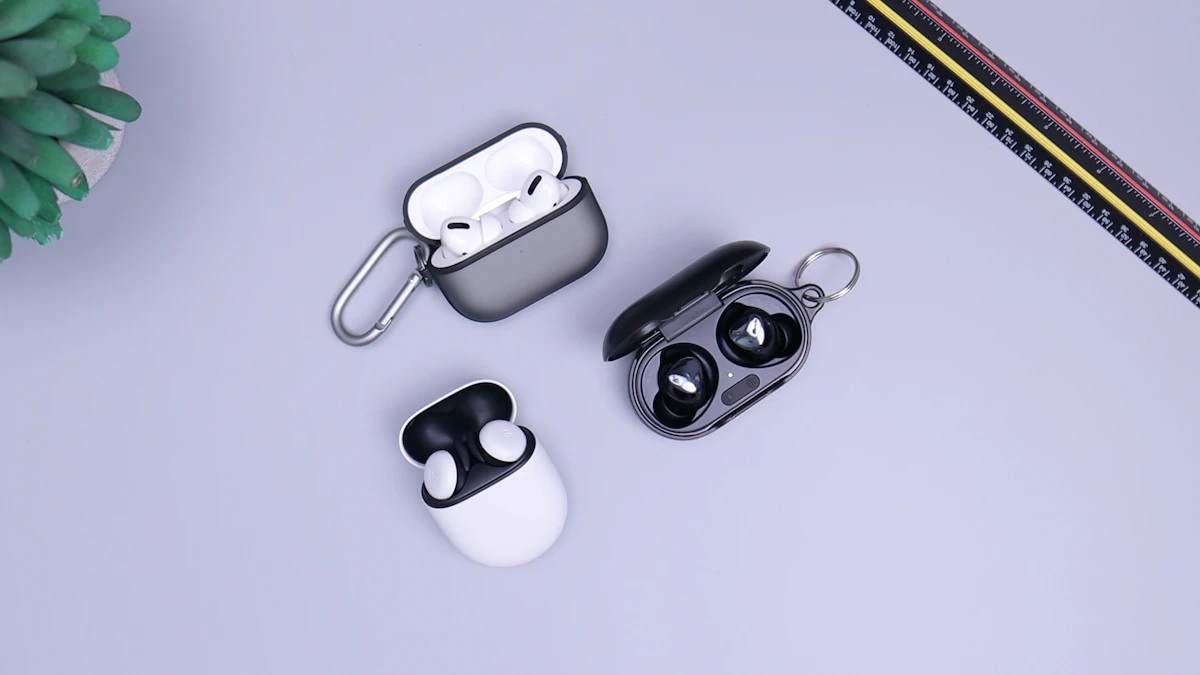
Wireless Earbuds in 2026: Sound, Battery, and Comfort
Wireless earbuds keep getting smaller, smarter, and longer-lasting. This guide explains sound, battery life, fit, and features worth paying for in 2026.

Voice Search in 2026: How People Search Without Typing
Voice search is now part of daily life. Learn how people ask questions aloud, what makes a spoken query different, and how to get useful answers fast.