How to Create a Strong Password You Can Actually Remember

Most password advice fails for a simple reason: it tells you to create something impossible to remember, then expects you to do it again for every account. The result is predictable. People reuse one familiar password everywhere, or they write passwords on sticky notes, and both habits make accounts easy to break into. A better approach is to build passwords that are long and unique, yet built from something your memory already holds.
The key idea is length over complexity. A long password made from ordinary words is much harder to guess than a short one packed with symbols, and it is far easier to type and recall. Attackers guess passwords with automated tools that try common words and patterns, so the goal is to make your password long, unpredictable, and different for each important account.
Build Passwords From Phrases You Know
Start with a phrase only you would choose, then turn it into a password. Pick four unrelated words, such as purple bicycle harvest moon, and add a number and a symbol that mean something to you, like a favourite year or a punctuation mark. The result is long, yet you can picture it and type it without checking a note. Avoid famous quotes, song lyrics, and pet names, which attackers try first.
Give each important account its own variation. You can keep the same core phrase and change one word for each site, or build a fresh phrase for banking, email, and shopping. Your email account deserves the strongest password of all, because it can reset many other accounts. A unique password everywhere keeps a single incident from spreading.
Simple Habits That Keep Passwords Working
Good passwords work best alongside a few simple habits. Change a password only when you have a reason to, such as a suspected incident, rather than on a fixed schedule that pushes you toward weak choices. Never share a password by email or message, and never enter one on a page you reached through an unexpected link. These small checks cost seconds and stop many common attacks.
Make remembering easier by practising a new password a few times on the day you create it, then using it daily for a week. If you do forget one, use the official reset option on the site itself and pick a fresh phrase. Pair this habit with broader care: learn how to protect your privacy on social media in 10 steps and how to back up your photos and files in 20 minutes.
passwordspassword securityonline safetyaccount securitystrong passwordmemory tipsprivacycybersecuritylogin safetydigital security
Related Articles

How to Protect Your Privacy on Social Media in 10 Steps
Social media shares more about you than you think. These ten practical steps help you control who sees your posts, photos, and personal details.
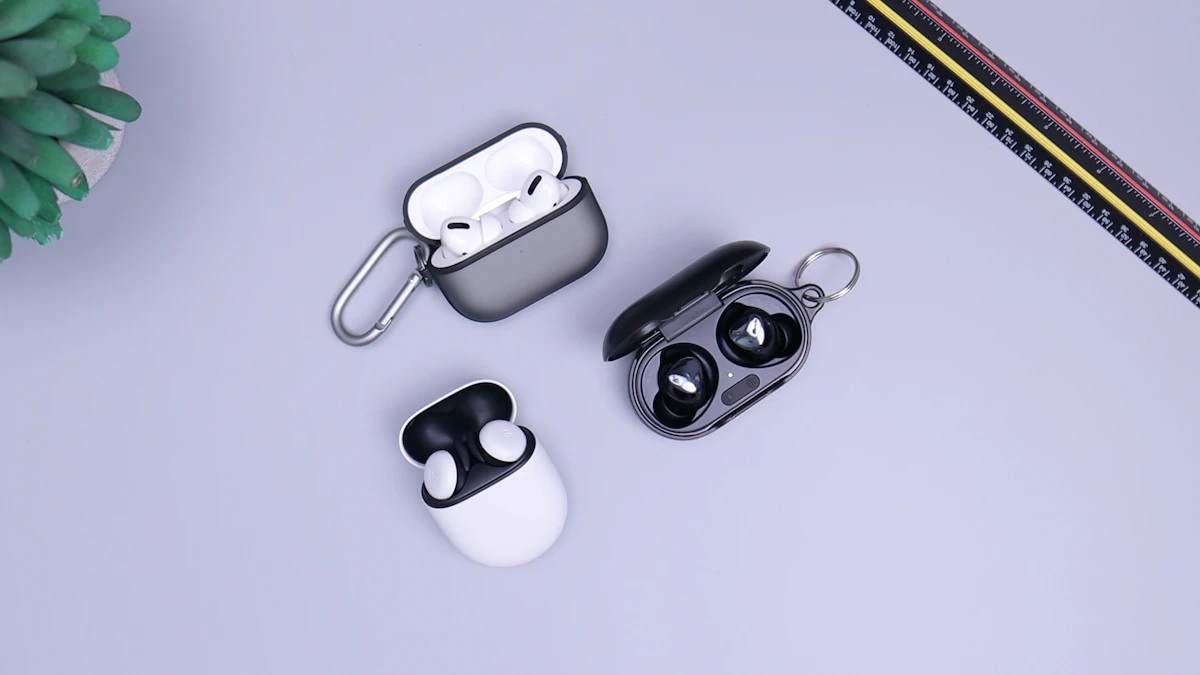
Wireless Earbuds in 2026: Sound, Battery, and Comfort
Wireless earbuds keep getting smaller, smarter, and longer-lasting. This guide explains sound, battery life, fit, and features worth paying for in 2026.

Voice Search in 2026: How People Search Without Typing
Voice search is now part of daily life. Learn how people ask questions aloud, what makes a spoken query different, and how to get useful answers fast.